Overview
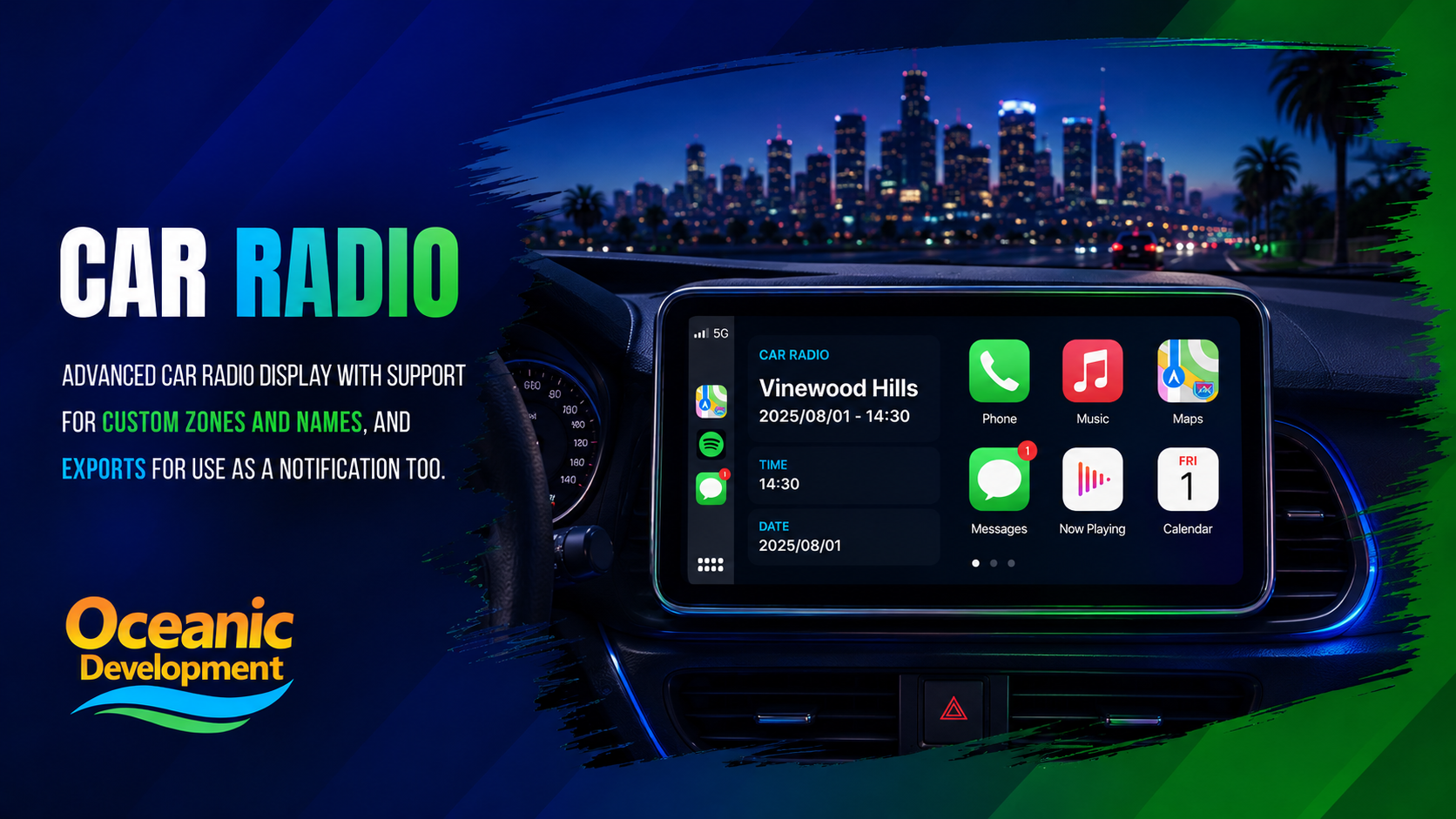
Advanced car radio display with support for custom zones and names, and exports for use as a notification too. Drop-in upgrade to your in-vehicle experience.
Features
- CarPlay-inspired in-car display
- Live zone, time and date readout
- Custom zone name support
- Exports for notifications & HUDs
- Lightweight and resource friendly
01. Installation
Drop into your resources folder, import the SQL and start the resource. Takes under a minute.
terminal
cd resources/[oceanic]
git clone https://github.com/oceanicdevelopment/car-radio
# add to server.cfg
ensure car-radio
02. Configuration
Edit config.lua to match your framework and preferences.
config.lua
Config = {}
Config.Framework = "qb-core"
Config.DefaultStation = "Vinewood Hills"
Config.ShowDate = true
Config.TimeFormat = 24
return Config
03. Exports
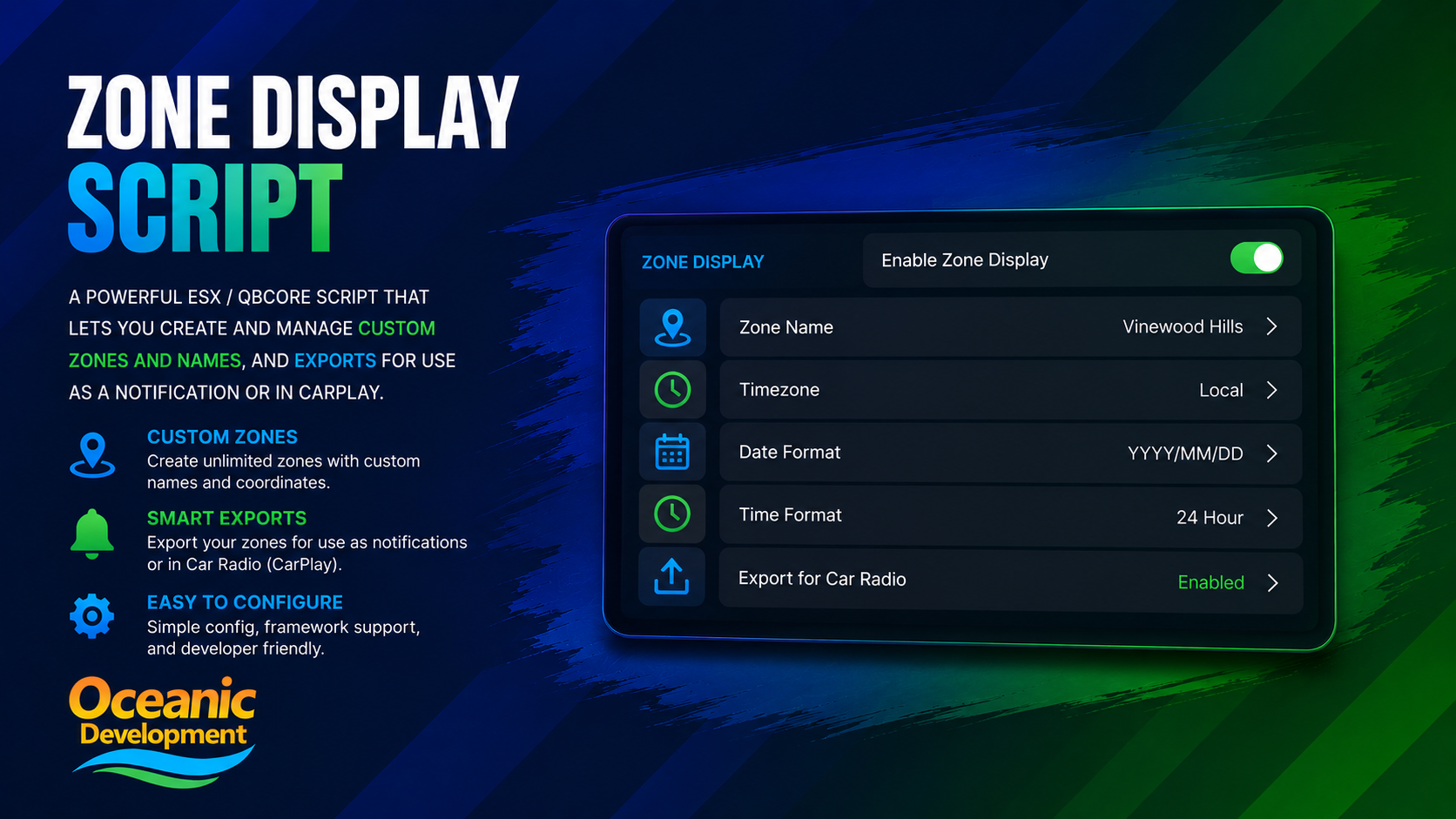
Use these from any other resource to integrate Car Radio into your server.
exports['car-radio']:setZone(name)Override the displayed zone nameexports['car-radio']:show(bool)Show or hide the in-car radio UI